WhatsApp broadcast for business means sending one message to many customers, each of whom gets it as a private chat. In Pakistan you have two routes: the free WhatsApp Business app, capped at 256 contacts per broadcast list, or the official WhatsApp Business API, which sends approved templates to opted-in customers at a per-message charge.
The right choice depends on how many people you message, whether they have saved your number, and whether the messages should come from your own systems. This guide covers the rules Meta enforces in 2026, the limits on each route, and how to collect opt-in so your number stays healthy.
What is a WhatsApp broadcast for business?
A WhatsApp broadcast is a single message sent to a list of customers, where each person receives it in their own chat with you and cannot see the other recipients. According to WhatsApp's help page on broadcast lists, a reply "will also appear as an individual message and won't be sent to other contacts in the broadcast list."
That makes broadcasts different from WhatsApp groups. In a group everyone sees everyone else's number and replies, which is a privacy problem for a clinic or a shop with hundreds of customers. A broadcast keeps every conversation one-to-one.
Businesses in Pakistan typically use broadcasts for:
- appointment and follow-up reminders for clinic patients;
- order, delivery and price updates for retail and wholesale customers;
- salary, holiday or shift notices to staff;
- offers before Ramadan, Eid or a season change;
- service updates such as timings, closures or a new branch.
WhatsApp Business app vs API: which should you use?
Use the free WhatsApp Business app when your list is small and everyone has saved your number; use the WhatsApp Business API when you need to reach more people, send from your own software, or track delivery. The table compares the two.
| Point | WhatsApp Business app | WhatsApp Business API |
|---|---|---|
| Cost | Free app | Meta charges per delivered template message |
| Reach | 256 contacts per broadcast list | Messaging limit tiers, starting at 250 unique users a day |
| Saved number needed | Yes, for broadcast lists | No, but opt-in is required |
| Message content | Free text | Approved templates outside the 24-hour window |
| Sent from your systems | No, by hand on the phone | Yes, through the API |
| Delivery reports | Basic ticks | Sent, delivered, read and failed per message |
Limits of the free app
WhatsApp's help page says "You can include up to 256 contacts in each broadcast list" and that you should "make sure all contacts in the broadcast list have saved your number in their address book." Customers who have not saved your number simply do not get the message, so a list of 256 rarely means 256 deliveries.
WhatsApp is also adding a newer "business broadcasts" tool inside the app. WhatsApp's own page on it says you can schedule messages, add buttons to "book, order or call", view read and reply rates, and reach customers "even if they haven't saved your contact number". The page does not state limits or prices, and the feature may not be available on every account yet, so check your app's Tools menu before planning around it.
Limits of the API
On the API, Meta counts how many unique customers you message outside a customer service window. Meta's messaging limits page says new business portfolios start at 250 unique users in a moving 24-hour period. Verifying your business raises this to 2,000, and after that Meta raises the limit automatically, up to 10,000, 100,000 and then unlimited, as long as your message quality stays high and you use at least half of your current limit.
A higher tier is earned, not bought. Meta lowers your quality rating when customers block or report your messages, so a broadcast to people who never asked to hear from you can slow your growth on the API.
What are the WhatsApp rules for business broadcasts?
The core rule is that you may message only people who have given you opt-in permission, and outside a 24-hour window you may send only approved templates. These come from the WhatsApp Business Messaging Policy, last updated on 23 September 2026.
The policy rules that matter most for broadcasts:
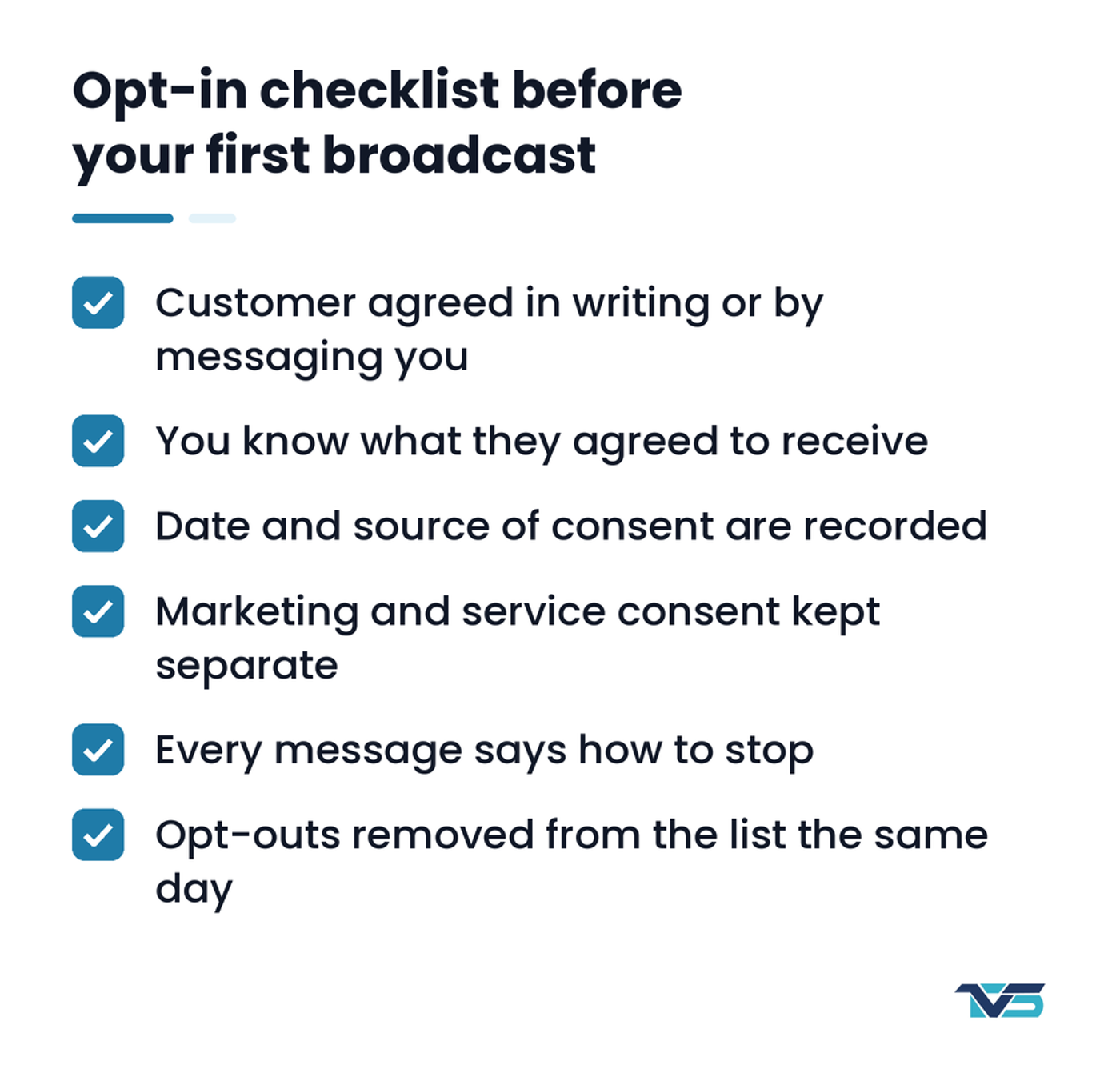
- Opt-in first. You may contact a person only if "you have received opt-in permission from the recipient". The method is your responsibility.
- Templates outside 24 hours. "Outside the 24-hour customer service window, you may only send messages via approved Message Templates." The window opens, and resets, every time the customer messages you.
- Respect opt-outs. You must respect every request "by a person to block, discontinue, or otherwise opt out", whether it reaches you on WhatsApp or elsewhere.
- Separate opt-in by category. Meta's best practice is to get separate permission for marketing and for service messages, and to tell people how to opt out of each.
Per-customer marketing limits
Even with opt-in, a customer will not receive unlimited marketing messages. Meta's page on per-user marketing limits says the limit "adapts automatically over time based on a person's recent engagement levels". A blocked message fails with error code 131049, and Meta advises waiting at least 24 hours before trying that customer again. In practice this means fewer, more useful broadcasts reach more people than frequent ones.
How do you collect opt-in for WhatsApp broadcasts?
Collect opt-in by asking customers, in writing, whether they want WhatsApp updates from you and what kind, then keep a record of when and how each person agreed. Meta does not prescribe the wording, but the policy asks you to "clearly communicate the value of receiving this information."
Practical ways to collect it in Pakistan:
- a tick box on your registration, admission or order form ("Send me appointment reminders on WhatsApp");
- a line on the receipt or invoice with a QR code that opens a chat with your number;
- a sign at the reception or counter: "Message us HI to get updates";
- a question asked by your staff at the first visit, recorded in your system;
- a link in your Instagram or Facebook bio.
Keep marketing and service consent apart. A patient who agreed to appointment reminders has not agreed to hear about a discount on a health package.
How do you send a WhatsApp broadcast through the API?
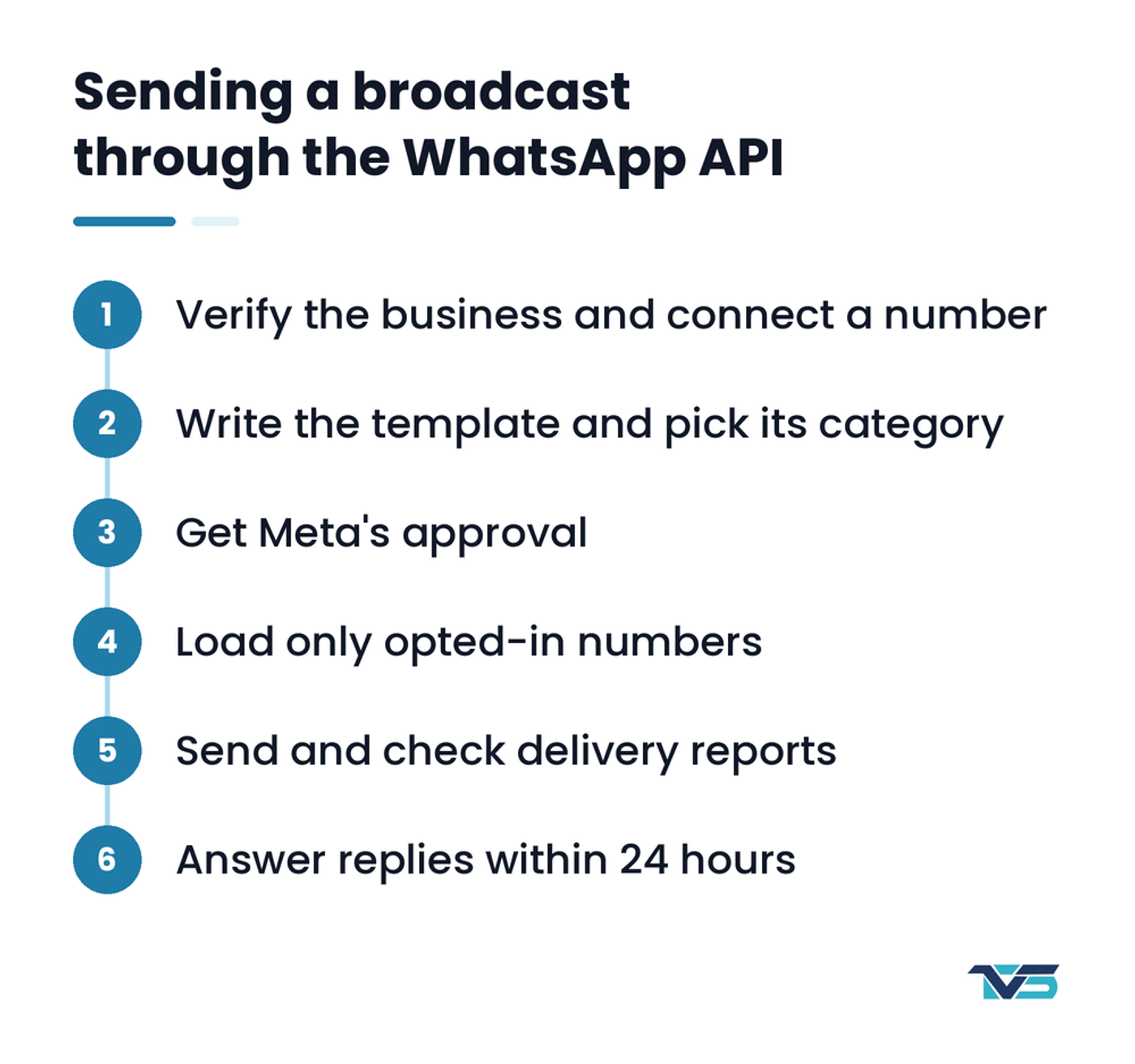
You send an API broadcast by creating a template, getting Meta's approval, and sending it to an opted-in list from your software or a provider's dashboard. The steps:
- Set up the API. Verify your business with Meta and connect a number. Our guide to getting the WhatsApp Business API in Pakistan walks through this.
- Write the template. Choose the category honestly: marketing for offers, utility for updates about an order or appointment the customer already has. Add variables such as the customer's name and date.
- Submit it for approval. Meta reviews each template. Urdu and English versions can be separate templates.
- Prepare the list. Only opted-in numbers, in international format (92 followed by the number without the leading 0).
- Send and watch the reports. Check delivered, read and failed counts, and the failure reasons.
- Handle replies. A reply opens a 24-hour window in which your team can answer with normal messages.
A change coming in 2027
If you plan marketing broadcasts on the API, note Meta's timeline. Meta's Marketing Messages API overview says the Cloud API "will stop supporting marketing messages on October 13, 2027", and accounts created on or after 13 April 2027 cannot send marketing messages through the Cloud API at all. Marketing messages move to the Marketing Messages API for WhatsApp; utility, authentication and service messages stay on the Cloud API. Ask your provider how they will handle the switch.
How much does a WhatsApp broadcast cost?
Broadcast lists in the WhatsApp Business app are free, while the API charges for each delivered template message at a rate set by the recipient's country and the template category. Meta's pricing page says "Businesses are only charged when a message is delivered."
Two points catch Pakistani businesses out:
- Marketing costs more than utility. A reminder about an existing appointment is a utility message; a discount is marketing. Meta can reclassify a template it thinks is promotional.
- Utility messages in the window are now charged. Meta's pricing page says utility messages sent inside an open customer service window changed to the regular utility rate from 1 October 2026; they had been free since 1 July 2025.
Providers add their own platform fee on top of Meta's rate. For current Pakistan rates in USD and rupees, see our WhatsApp Business API pricing guide.
What mistakes get a business number restricted?
Most restrictions come from customer blocks and reports, which lower your quality rating and can pause templates. Avoid these:
- Buying or scraping number lists. These people never opted in, and they report.
- Using unofficial bulk-sending tools. Tools that link an ordinary number by QR code and send in bulk are not the WhatsApp Business API, and accounts using them can be banned.
- Sending every day. Per-user limits and blocks both rise with frequency.
- Hiding the way out. Add a line such as "Reply STOP to stop these messages" and honour it.
- Mislabelling templates. Calling a promotion "utility" risks rejection and reclassification.
- Sending at odd hours. Schedule within working hours in Pakistan time.
Start with service messages your customers already expect, such as appointment confirmations or order updates. They earn replies and a good quality rating, which helps when you later add an occasional offer.
How Tech Vision Solvix helps with WhatsApp broadcasts
Tech Vision Solvix sets up the official WhatsApp Business API for businesses in Pakistan, so messages go out from your own systems through Meta's Cloud API. Broadcasts to opted-in customers through approved templates can be set up, along with automated messages such as appointment confirmations, invoices and reminders, two-way chat and delivery reports showing sent, delivered, read and failed.
We help you apply for Meta's business verification and display name; Meta decides who gets the verified badge. Clinics running patient reminders can pair this with clinic management software, and businesses still sending updates from spreadsheets can start with our guide to moving off Excel. Schools sending notices to parents should look at EduVision360, our school management system.
See what the service includes on the WhatsApp Business API page.
Frequently asked questions
How many contacts can I add to a WhatsApp broadcast list?
In the WhatsApp Business app, each broadcast list holds up to 256 contacts, and only contacts who have saved your number receive the message. You can make several lists. To reach larger lists without the saved-number requirement, businesses use the WhatsApp Business API with opt-in.
Is WhatsApp broadcast free for business?
Broadcast lists in the WhatsApp Business app are free. On the WhatsApp Business API, Meta charges for each delivered template message, at a rate that depends on the recipient's country and whether the template is marketing, utility or authentication, and providers add their own fee.
Do customers need to opt in to receive WhatsApp broadcasts?
Yes. The WhatsApp Business Messaging Policy allows a business to message a person only after receiving opt-in permission, and the business decides how to collect it. Keep a record of each consent and honour every opt-out request.
Why are some of my WhatsApp marketing messages failing?
Meta limits how many marketing template messages each customer receives, based on their recent engagement, and a blocked message fails with error code 131049. Meta advises waiting at least 24 hours before sending that customer another marketing template.
Can I send a WhatsApp broadcast in Urdu?
Yes. Templates can be written in Urdu, and you can keep an English and an Urdu version of the same message as separate templates. Choose the language per customer based on how they write to you.
Start sending broadcasts the right way
A broadcast that customers asked for gets read, answered and acted on; one they did not ask for gets blocked. If you want reminders and updates to go out from your own systems through the official API, talk to Tech Vision Solvix and we will help you set it up and apply for verification.